
 Default
Flat
Lay the phone face up where you want to measure. Cover the front camera with one sheet of plain printer paper.
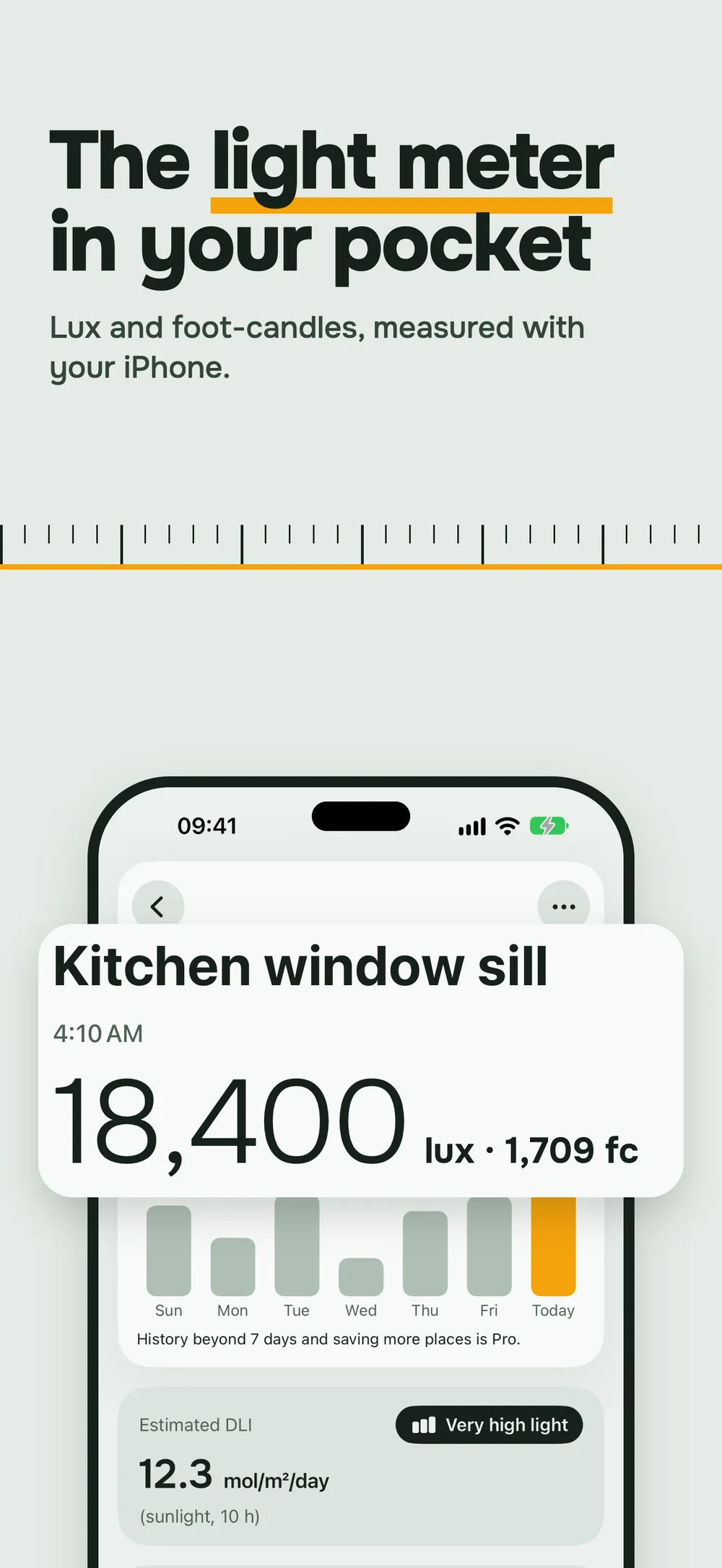
Lux and foot-candles, measured with your iPhone

Measuring is free. Footcandle Pro is a one-time purchase.

On the App Store
Places and history
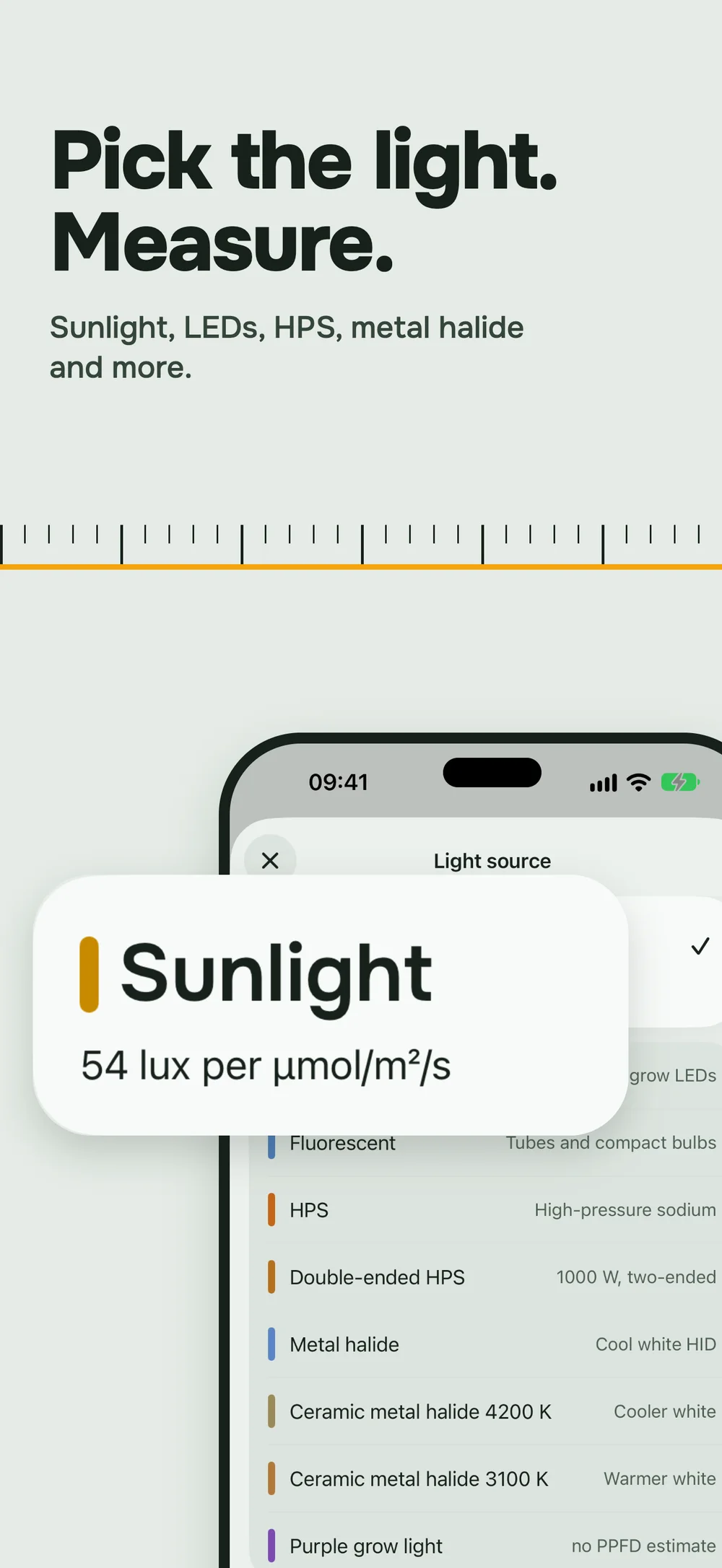
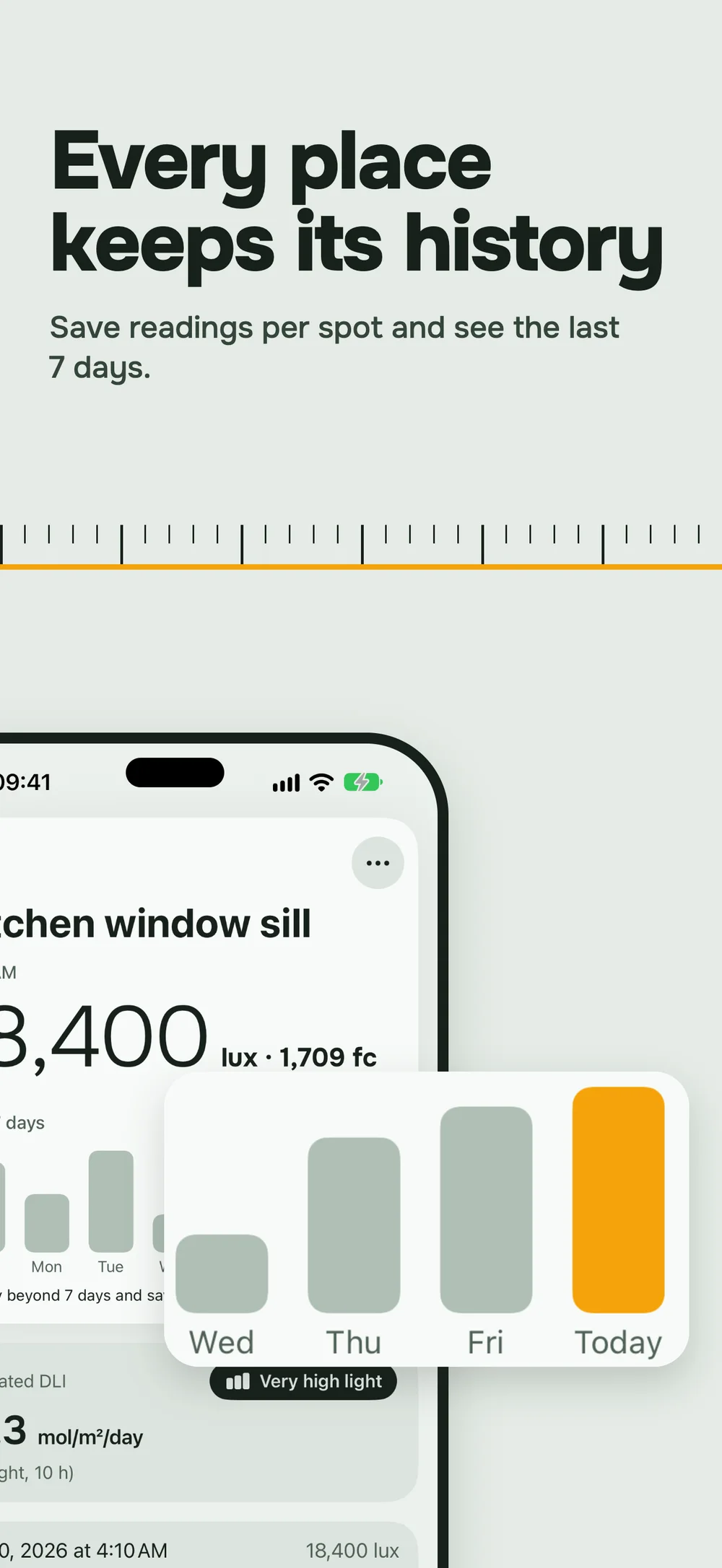
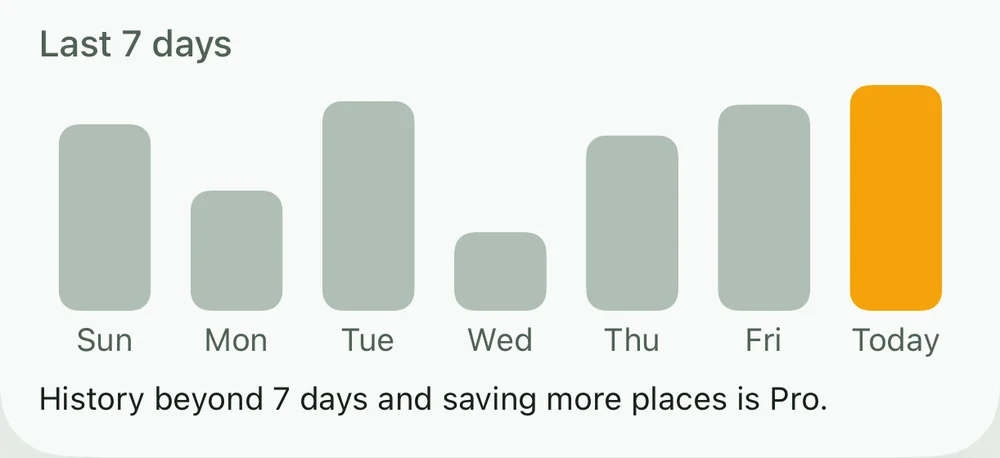
Save a reading to a place like your kitchen window sill. Footcandle keeps each measurement with its date and time, shows the last 7 days as a chart, and estimates the daily light integral for plants.
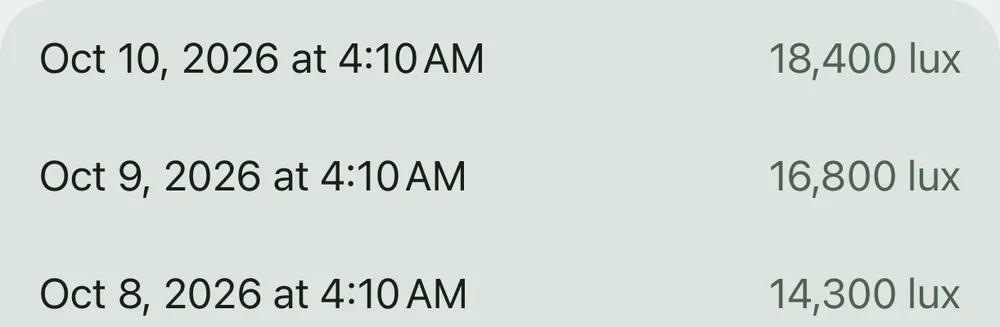
Room survey
Measure a desk, a bench or a grow tent on a 3 by 3 grid. Footcandle shows the average, the lowest point and how even the light is, then exports the result as a PDF.
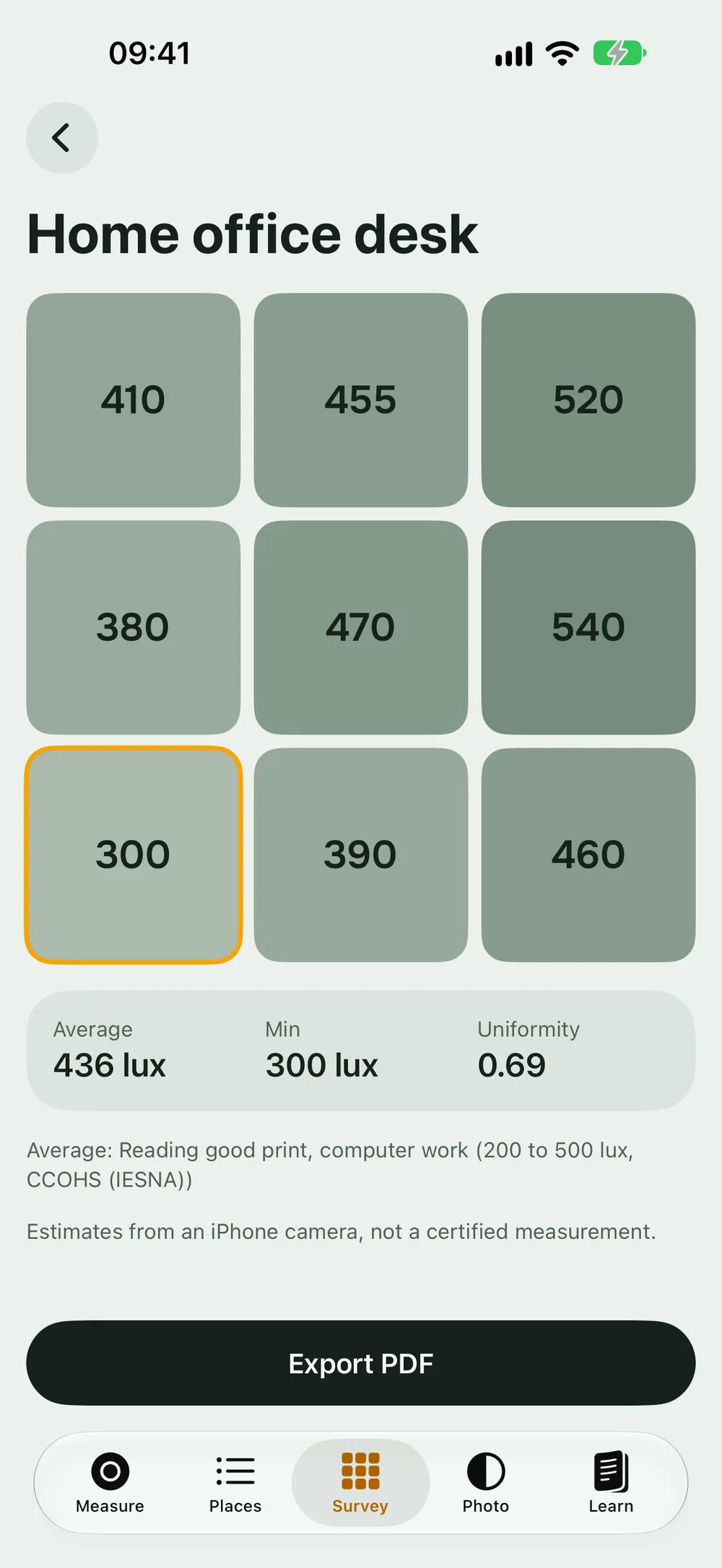
How to measure
The app explains each method before you start. Flat is the default and the most consistent.
Default
Lay the phone face up where you want to measure. Cover the front camera with one sheet of plain printer paper.

Put a sheet of white paper where you want to measure. Point the back camera at it from about 25 cm, without casting a shadow.

No paper. Front camera facing up. A rough reading.
Trust
Nothing to scroll past between you and the reading.
Open the app and measure. There is nothing to sign up for.
Readings stay on your device, or in your own iCloud if you turn on sync. Privacy
Readings are estimates from an iPhone camera, not a certified measurement. Accuracy
Footcandle Pro
Measuring is free forever. Pro adds the tools for tracking and reporting, as a one-time purchase.